Login
Call Us



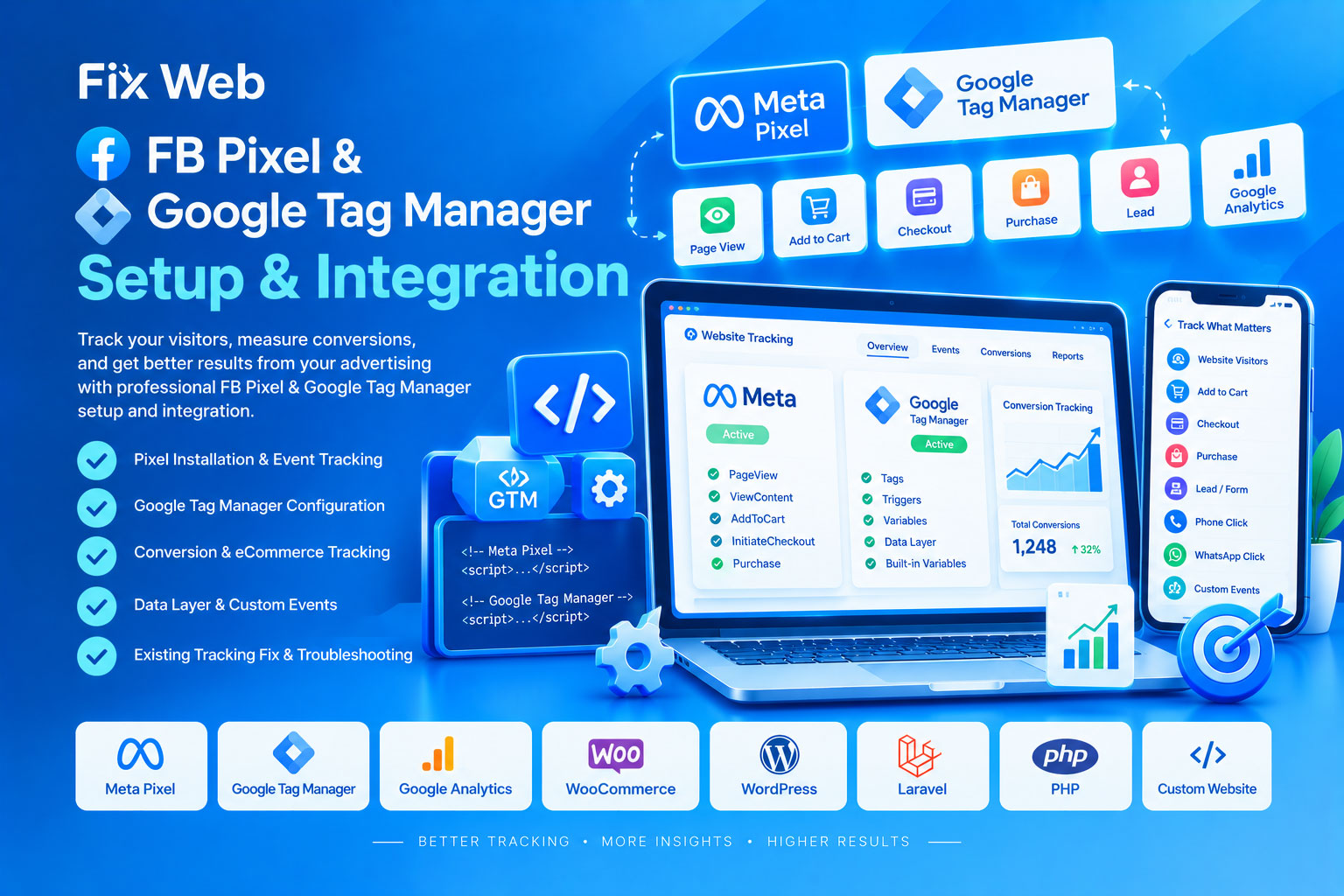
Track your website visitors, understand customer behavior, measure marketing performance, and build more effective advertising campaigns with professional Facebook Pixel & Google Tag Manager setup and integration.
Our service helps connect your website with Meta/Facebook Pixel and Google Tag Manager (GTM) so important visitor actions—such as page views, product views, add-to-cart, checkout, form submissions, purchases, and other supported events—can be tracked correctly.
Whether you run an eCommerce store, service website, landing page, or custom web application, we can configure the tracking system according to your website structure and business requirements.
Our FB Pixel & Google Tag Manager service can include:
Facebook/Meta Pixel installation
Google Tag Manager installation
Meta Pixel configuration through GTM
Google Analytics integration through GTM
Website event tracking
Conversion tracking
Purchase tracking
Add-to-Cart tracking
Checkout tracking
Lead/form submission tracking
Contact button tracking
Phone/WhatsApp click tracking
Button click tracking
Page view tracking
Custom event configuration
Custom variables and triggers
Data Layer configuration
eCommerce tracking
Dynamic product/order data tracking
Debugging and troubleshooting
Existing tracking correction
Duplicate Pixel/tag troubleshooting
Meta Pixel helps businesses understand how visitors interact with their websites and measure actions resulting from Meta advertising campaigns.
We can configure supported events such as:
PageView
ViewContent
AddToCart
InitiateCheckout
Purchase
Lead
CompleteRegistration
Contact
Search
Other relevant custom events
The exact events required depend on your website and advertising objectives.
Google Tag Manager provides a centralized way to manage supported website tracking tags without repeatedly modifying website code for every tracking requirement.
We can configure:
GTM container installation
Tags
Triggers
Variables
Custom HTML tags where appropriate
Click tracking
Form tracking
Page tracking
Data Layer events
Conversion tracking
Analytics-related tags
Marketing/advertising tags
Correct event tracking is one of the most important parts of website analytics and advertising.
We can configure tracking for actions such as:
Page visits
Specific page views
Button clicks
Menu clicks
Contact interactions
Download actions
External link clicks
Contact form submission
Quote request
Registration
Inquiry submission
Callback request
Product view
Add to cart
Cart view
Checkout initiation
Purchase
Order value
Product information
Transaction ID
The available tracking depends on your website platform and the data your website makes available.
For online stores, accurate tracking can be particularly important.
We can configure supported tracking for platforms such as:
WooCommerce
Custom PHP eCommerce
Laravel eCommerce
Custom shopping websites
Other supported web applications
Depending on the implementation, tracking may include:
Product ID
Product name
Product price
Quantity
Currency
Order value
Transaction/order ID
Cart information
Checkout activity
Purchase activity
If required, Google Tag Manager can also be used to manage supported Google Analytics tracking.
We can help configure:
Google Analytics tags
Page views
Events
Conversion-related events
Click tracking
Form interactions
eCommerce events
Custom event parameters
This provides a more organized tracking structure for websites that use multiple analytics and marketing tools.
For advanced tracking requirements, we can work with the website's Data Layer where technically appropriate.
A Data Layer can help pass structured information to GTM, such as:
Product information
Order information
Transaction value
Currency
User actions
Form information
Custom business events
This is particularly useful for advanced eCommerce and custom website tracking.
If your Pixel or GTM is already installed but reporting incorrectly, we can inspect and troubleshoot issues such as:
Pixel not firing
GTM not loading
Events not triggering
Incorrect event names
Duplicate events
Duplicate Pixel installation
Wrong conversion data
Purchase value not being sent correctly
Incorrect currency
Missing transaction ID
Incorrect trigger configuration
Broken Data Layer
Incorrect variables
Tags firing on the wrong pages
Tags not firing
Tracking conflicts
Incorrect website implementation
Instead of manually adding multiple tracking codes throughout your website, supported Meta Pixel events can be managed through Google Tag Manager.
This can provide a cleaner tracking structure and make future tag management easier.
The exact implementation depends on the website platform, existing code, and tracking requirements.
We can work with many types of websites, including:
WordPress
WooCommerce
Laravel
PHP websites
Custom-coded websites
HTML/CSS/JavaScript websites
eCommerce websites
Landing pages
Business websites
Service websites
Custom web applications
We inspect your website and identify the current Pixel, GTM, Analytics, and event-tracking setup.
We determine which visitor actions and conversions need to be tracked.
Required tags, triggers, variables, and related tracking configuration are prepared.
Meta Pixel and the required events are configured according to the website structure.
If advanced tracking is required, appropriate Data Layer implementation is configured where supported.
We test the tracking implementation and check whether the configured events are firing as expected.
We review the implementation and make necessary corrections before completing the service.
Depending on the requested work, you may need to provide:
Website URL
Website platform information
Meta Business/Pixel details
Google Tag Manager container access
Google Analytics details, if required
Advertising account information where relevant
List of conversions/events you want to track
Example of the desired tracking behavior
Existing tracking information, if available
Only provide the minimum access necessary for the requested work.
Tracking accuracy depends on several factors, including your website implementation, browser behavior, consent settings, ad-blocking, third-party platform policies, and the data available from your website.
Meta/Facebook and Google control their own advertising and analytics platforms. We can configure the website-side tracking implementation, but we cannot guarantee advertising-platform reporting, ad performance, account approval, conversion volume, or future platform behavior.
For privacy and compliance, websites may also need appropriate cookie/consent mechanisms depending on the visitor's location, business model, and applicable laws.
Any paid advertising, premium tracking software, third-party plugin, API service, or subscription fee is separate unless specifically included in the agreed service.
Professional tracking implementation
Meta Pixel & GTM integration
Conversion/event tracking
eCommerce tracking support
Data Layer configuration
Existing tracking troubleshooting
Clean and organized GTM setup
Website-specific implementation
Testing and debugging
Support for WordPress, Laravel, PHP, and custom websites
Meta Pixel is a website tracking technology used to measure supported visitor actions and help connect website activity with Meta advertising and analytics features.
Google Tag Manager is a tag-management system that allows supported tracking and marketing tags to be managed through a centralized container.
Yes. We can install and configure both according to your website and tracking requirements.
Yes, supported purchase tracking can be configured for eCommerce websites when the necessary order and transaction data are available.
Yes. These events can be configured when the website provides the necessary actions/data for tracking.
Yes. We can inspect existing implementation problems such as missing events, duplicate events, incorrect values, or Pixel configuration issues.
Yes. Click tracking can generally be configured through GTM when the relevant buttons or links can be identified.
Yes. Google Analytics-related tags and events can be configured through Google Tag Manager where appropriate.
No. You don't need to understand the technical implementation. We handle the configuration and website-side setup.
No. Tracking helps measure and understand website activity, but it does not itself guarantee sales, advertising results, or conversion performance.
Yes. We can configure supported tracking for WooCommerce, Laravel, PHP, and other custom websites depending on their technical structure.
Don't make advertising decisions based on incomplete or inaccurate website data.
With properly configured FB Pixel & Google Tag Manager, you can build a more organized tracking foundation for understanding visitor activity, measuring conversions, and improving your digital marketing workflow.
Fix Web — Professional Website Error Fixing & Customization Service