Login
Call Us



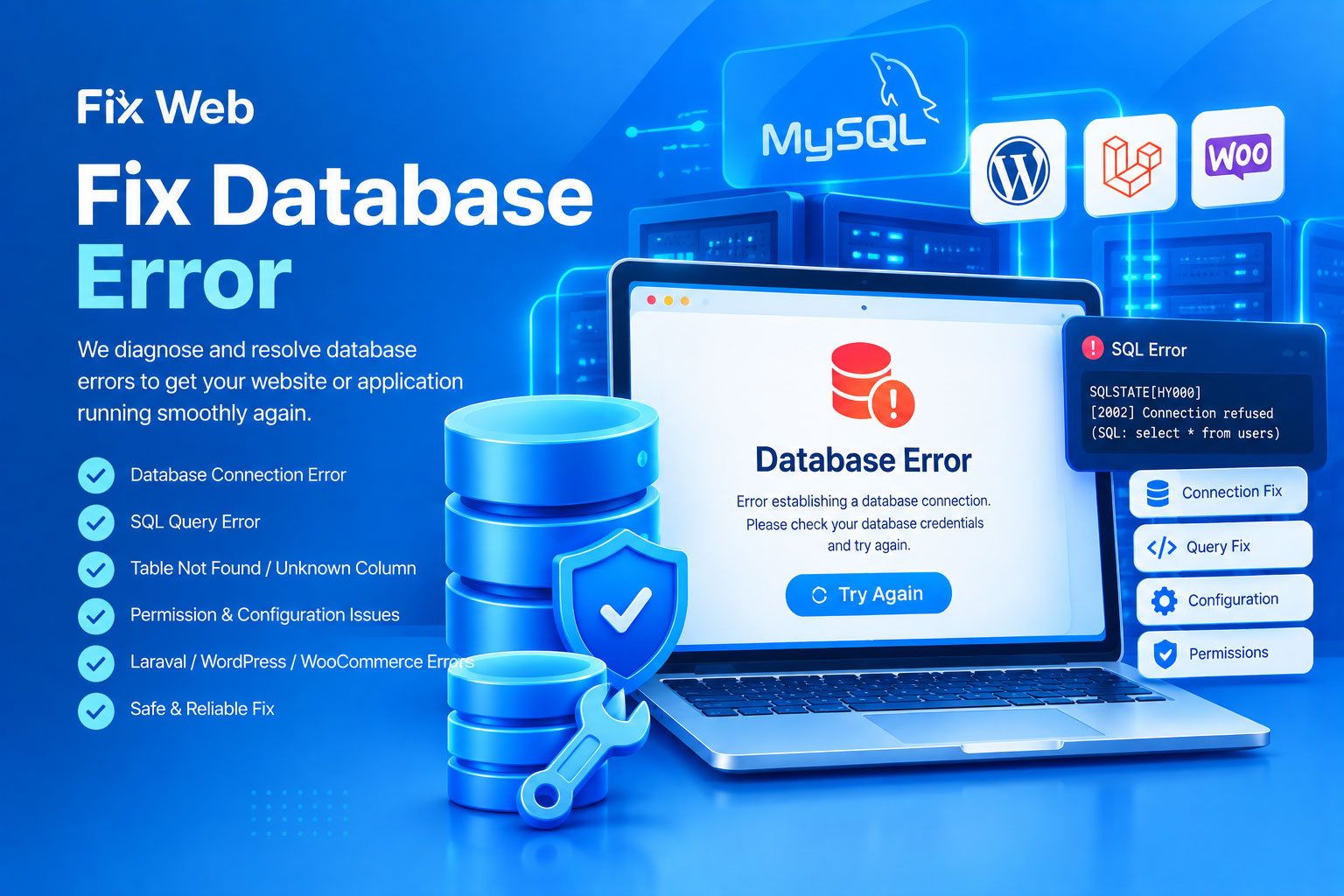
Is your website unable to connect to its database, showing SQL errors, failing to load data, or returning an unexpected database-related error? Fix Web provides professional Database Error Fixing services to diagnose and resolve database-related problems affecting websites and web applications.
A database is a critical part of many modern websites. It stores information such as customer accounts, products, orders, services, website settings, content, transactions, and other application data. When a database connection, query, table, permission, configuration, or data-related problem occurs, important parts—or even the entire website—may stop working.
Our Fix Database Error service focuses on identifying the underlying database problem and applying an appropriate technical solution while taking care to avoid unnecessary changes to existing data.
Our service can cover a wide range of database-related problems, including:
Database connection errors
MySQL connection errors
SQL query errors
Database authentication errors
Incorrect database credentials
Database access/permission problems
Missing database tables
Missing or damaged database structures
Unknown table errors
Unknown column errors
Duplicate entry errors
SQL syntax errors
Foreign key constraint errors
Database configuration problems
Connection timeout problems
Database-related PHP errors
Laravel database errors
WordPress database errors
WooCommerce database-related issues
Application data retrieval errors
Insert/update/delete query problems
Database migration errors
Database import/export problems
Character encoding/collation issues
Database-related server configuration problems
If your specific database error is not listed above, you can still contact us. We can inspect the available error information and determine whether the problem can be handled through our service.
This can prevent a website from loading properly. Possible causes include incorrect database credentials, database-server availability, configuration problems, permissions, or hosting-related issues.
Laravel and other PHP applications may display SQLSTATE errors when the application cannot successfully perform a database operation.
This can occur when application code expects a database column that does not exist or has a different name.
This may happen when a required table is missing, incorrectly named, or the application is connected to the wrong database.
Database access errors can occur when the configured username, password, host, or database permissions are incorrect.
Incorrectly constructed SQL queries can prevent an application from retrieving, inserting, updating, or deleting data correctly.
Database issues are not always caused by the database itself. Sometimes the application, server, configuration, or code is responsible.
We can investigate problems involving:
Database configuration
Application configuration
Database credentials
Database host settings
Database user permissions
SQL queries
Application models
Database migrations
Table structures
Relationships
Indexes
Character encoding
Collation
Server/database compatibility
PHP/database communication
Website plugins or modules
Recent code or configuration changes
The exact cause must be identified before applying a fix.
Depending on the project, we can investigate database issues on compatible platforms such as:
Custom PHP websites
Laravel applications
WordPress websites
WooCommerce stores
Custom eCommerce platforms
Custom web applications
MySQL-based websites
Other compatible database-driven applications
The available solutions depend on the website's technology, database system, hosting environment, and existing application architecture.
We first review the reported database problem, including the exact error message, affected page, application behavior, and available logs where appropriate.
We investigate the relationship between the application and database to determine where the failure is occurring.
We identify the underlying cause, which may involve credentials, permissions, configuration, SQL queries, table structures, migrations, application code, or server/database compatibility.
After identifying the cause, we apply the appropriate correction. Where database changes are required, we aim to make only the necessary modifications.
After the fix, we verify that the affected database operations are functioning correctly and that the relevant website functionality can access the required data.
We test the affected website pages or application functions to confirm that the database error has been resolved within the agreed scope.
If your entire website is unable to connect to the database, we can investigate common causes such as:
Incorrect database name
Incorrect database username
Incorrect database password
Incorrect database host
Database user not assigned to the database
Insufficient database privileges
Database server availability
Configuration-file errors
Environment-variable problems
Hosting configuration
Port or connection-related issues
Application/database compatibility
The appropriate solution depends on the actual error and hosting environment.
A website can also experience errors because an SQL query is not functioning as expected.
We can investigate problems involving:
SELECT queries
INSERT queries
UPDATE queries
DELETE queries
JOIN operations
WHERE conditions
Sorting and filtering
Table relationships
Database constraints
Query syntax
Query-related application errors
Where the issue is caused by application code, the corresponding code may also need to be corrected.
Database migrations are commonly used by modern web applications to create and modify database structures.
We can investigate issues such as:
Migration failures
Missing tables after deployment
Missing columns
Migration order problems
Migration/database mismatch
Production database structure problems
Application version/database compatibility issues
Any database migration change should be handled carefully because incorrect structural changes can affect existing application data.
For compatible WordPress websites, we can investigate database-related issues such as:
Error establishing database connection
Database configuration problems
Missing or damaged tables
Plugin-related database errors
Theme-related database problems
Database-related WordPress errors
WooCommerce database problems
Data retrieval issues
The actual cause must be investigated before determining the appropriate fix.
For compatible Laravel applications, we can investigate issues such as:
SQLSTATE errors
Database connection failures
.env database configuration problems
Migration errors
Missing tables or columns
Eloquent-related database problems
Query Builder errors
SQL query failures
Database authentication issues
Production database configuration problems
Where required, application code and database structure can be examined together to identify the source of the problem.
Database problems can involve important website information, so changes should be handled carefully.
Before making significant database modifications, a current backup is strongly recommended.
Depending on the issue, we may recommend creating a database backup before making structural or data-related changes.
Fix Web does not intentionally delete or modify unrelated data as part of a database error fix. However, database-level work always carries technical risk, especially when the database is already damaged or inconsistent.
To investigate a database error, it is helpful to provide:
Website URL
Affected page or functionality
Exact error message
Screenshot of the error, if available
Information about when the problem started
Recent website changes, if known
Website/platform information
Relevant error logs, if available
If server, hosting, database, or application access is required, access should be provided through a secure method.
Never send database passwords, hosting passwords, API keys, or other sensitive credentials through a public contact form or unsecured message.
Database errors can range from simple configuration problems to complex application or server-level issues. The time and effort required depend on the cause, database condition, application architecture, hosting environment, and scope of the problem.
Fix Web provides technical database troubleshooting and fixing services. We do not guarantee recovery of data that is already permanently deleted, severely corrupted, overwritten, or otherwise unrecoverable.
Third-party hosting providers, database servers, plugins, themes, APIs, and other external systems may also impose technical limitations.
If the issue requires extensive database recovery, application redevelopment, server migration, major data restructuring, or work outside the agreed scope, additional assessment may be required.
We don't simply remove an error message. We investigate the underlying problem responsible for the database failure.
Many database errors are connected to application code, configuration, migrations, or server settings. We consider the complete environment when investigating the issue.
When database modifications are necessary, we aim to make only the changes required to resolve the identified problem.
We can investigate compatible database problems across PHP, Laravel, WordPress, WooCommerce, and custom web applications.
We verify the affected website functionality after implementing the correction.
Yes. We can investigate common database connection problems such as incorrect credentials, configuration errors, permissions, database-server issues, and application configuration problems.
Yes, supported MySQL-related errors can be investigated and fixed depending on their cause and the available access.
Yes. Laravel SQLSTATE errors can be investigated by checking the database connection, configuration, query, migration, table structure, and related application code.
Yes. We can investigate common WordPress and WooCommerce database-related problems.
If the table can be safely recreated or restored and the required information is available, we can investigate the problem and determine an appropriate solution.
Yes. We can investigate whether the application and database structure are out of sync and determine the appropriate correction.
Recovery depends on whether a usable backup or another recoverable copy of the data exists. We cannot guarantee recovery of permanently lost or overwritten data.
No. Database error fixing does not normally require deleting the entire database. We aim to preserve existing data and make only necessary changes.
Yes. A current database and website backup is strongly recommended before significant database modifications.
It depends on the complexity and cause of the error. Simple configuration issues may be resolved quickly, while corrupted databases, complex application problems, or server-level issues may require considerably more investigation.
Don't let a database problem keep your website or application offline.
Send Fix Web the error details, screenshot, or affected page information, and we'll investigate the database problem and work toward getting your website functioning properly again.
The is ipsum dolor sit amet consectetur adipiscing elit. Fusce is eleifend porta arcu In hac habitasse the platea thelorem turpoi dictumst. In lacus libero faucibus malesuada sagittis placerat eros sed istincidunt augue ac ante rutrum sed the is sodales augue consequat.
It is a long established fact that a reader be distracted by the readable content of a page when looking a its layout. Many desktop publishing packages and web page editors now use Lorem Ipsum
It is a long established fact that a reader be distracted by the readable content of a page when looking a its layout. Many desktop publishing packages and web page editors now use Lorem Ipsum
It is a long established fact that a reader be distracted by the readable content of a page when looking a its layout. Many desktop publishing packages and web page editors now use Lorem Ipsum
It is a long established fact that a reader be distracted by the readable content of a page when looking a its layout. Many desktop publishing packages and web page editors now use Lorem Ipsum